An edge you can feel
TEXLA changes how Windows hands packets to the network and how quickly it wakes up to answer them. In a trade that shows up as hits that register on time instead of a frame late.
Keep getting out-traded?
On a low-version PvP server an untuned PC loses hits: hitreg drifts, clicks land late, knockback feels random. TEXLA adjusts the Windows system settings behind that, so your client sends and receives what you actually did.
One key, one PC · key issued right after payment · Windows 10 / 11
A settings tool for one job: making a low-version PvP server treat your clicks the way you meant them.
TEXLA changes how Windows hands packets to the network and how quickly it wakes up to answer them. In a trade that shows up as hits that register on time instead of a frame late.
One key, no subscription and no renewal. The licence stays valid for life and is bound to a single computer; moving it is a support ticket, not a new purchase.
Switch modes while playing. TEXLA applies the settings live, and the reset button puts Windows back exactly as it was if you want the old behaviour again.
Nothing is injected into Minecraft and no game file is touched. TEXLA only changes Windows settings that already belong to you, which is why it does not show up as a client modification.
Three modes, each explained in one line. No registry spelunking, no dozens of toggles you are told to trust: pick the one that matches how you play and move on.
Stuck on activation, not sure which mode suits your server, or need the key moved to another PC? The Discord and the support address answer the same day, usually faster.
Three modes
There is one setting behind each mode, and every change can be put back with one button.
01 · response
The fastest of the three. Built for hit registration: your clicks leave the machine sooner, so a trade lands the way it looked on your screen.
02 · stability
The steadiest of the three. Keeps the connection even when the server or your line stutters, at the cost of a little raw speed.
03 · knockback
Reduces how much knockback you feel, down to the lowest it goes, so you hold your position instead of sliding out of the trade.
The app
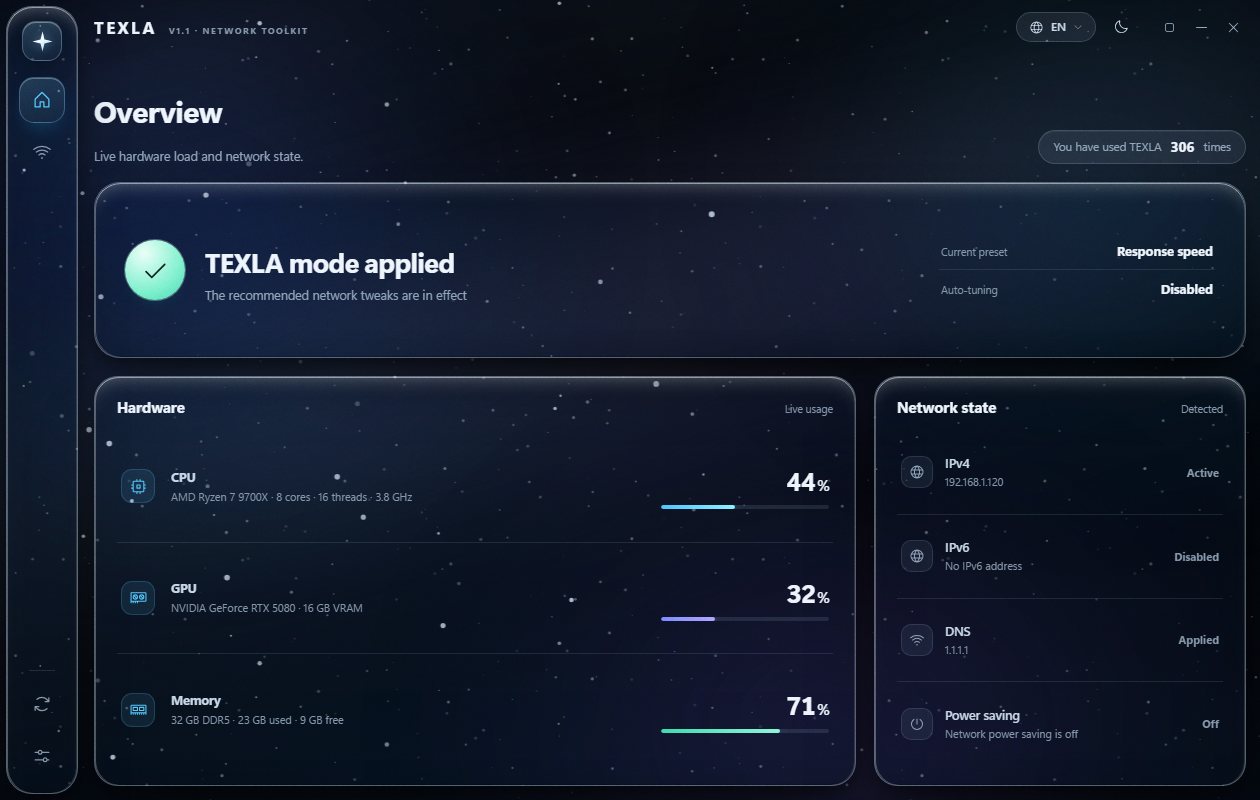
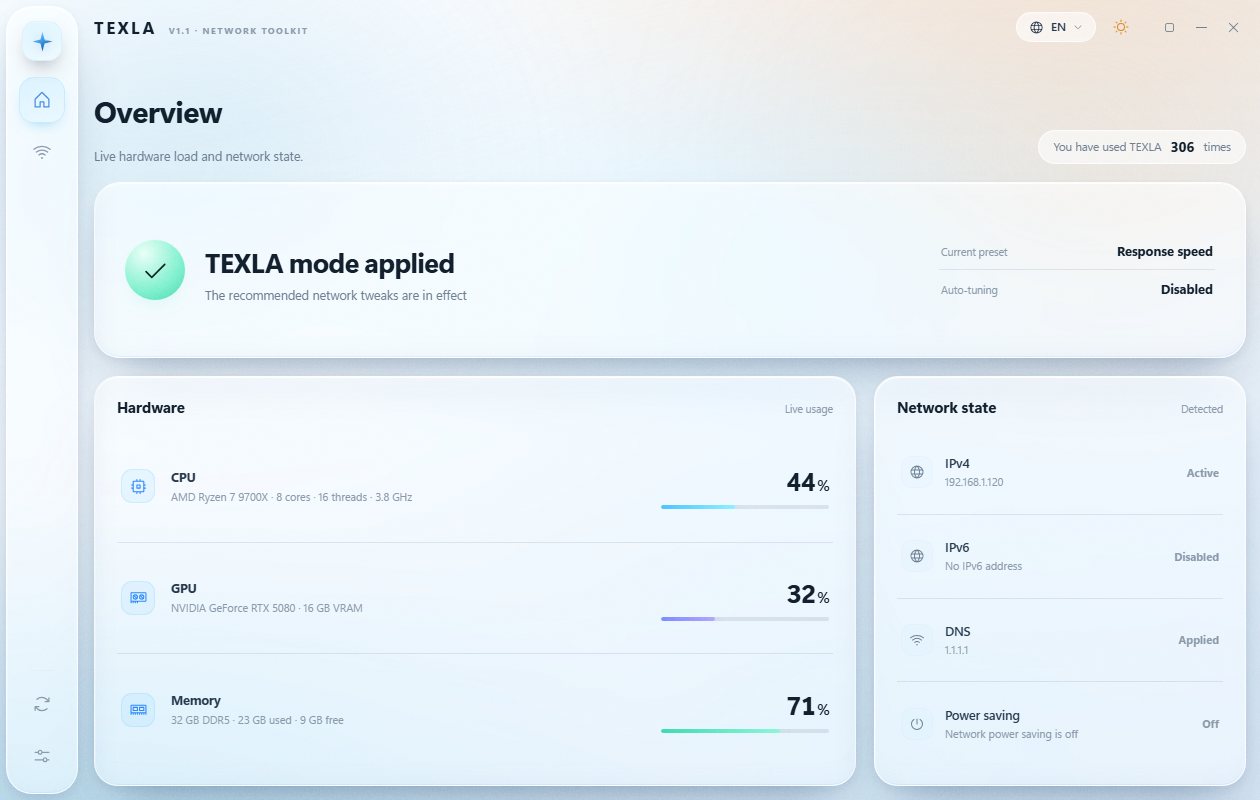
Live hardware load next to the network state, with the three modes one click away and a reset that undoes everything.
How it works
Support, releases and PvP talk. Ask before you buy if you are unsure whether TEXLA fits your setup.
Licence
Lifetime
16.99USD · one-time
No subscription, no renewal. The key stays valid for the life of the licence and can be activated on any computer you own; the newest one is the machine support sees.
Questions
No. TEXLA only adjusts Windows system settings. Nothing is injected into Minecraft, no mods, no client edits, nothing an anti-cheat would look at. The app lists every change it made and can undo all of them with one button.
The password is what proves the account is still you. A licence is tied to your account, not to one board, so TEXLA re-checks weekly instead of trusting a token forever. It takes a few seconds and you only type it.
No: a key is tied to the computer it was first activated on. Ask support and we move it for you at no cost; the old machine stops working once we do.
Contact support with your purchase record, the Stripe receipt or the order reference, and we will send the key again. Keep that email: it is what proves the licence is yours.
The licence can be refunded within 2 hours of purchase, and only if the key has not been used. Once a key has been activated it cannot be refunded, because it is consumed at that point. If a payment completes but no key is issued, you get a full refund: write to support with the order reference shown on this page.
Billing questions: reply to the Stripe receipt, or email [email protected].